
The Alpha badge
It sits next to your name everywhere in the community, so everybody knows you were here first.
The Pragma alpha
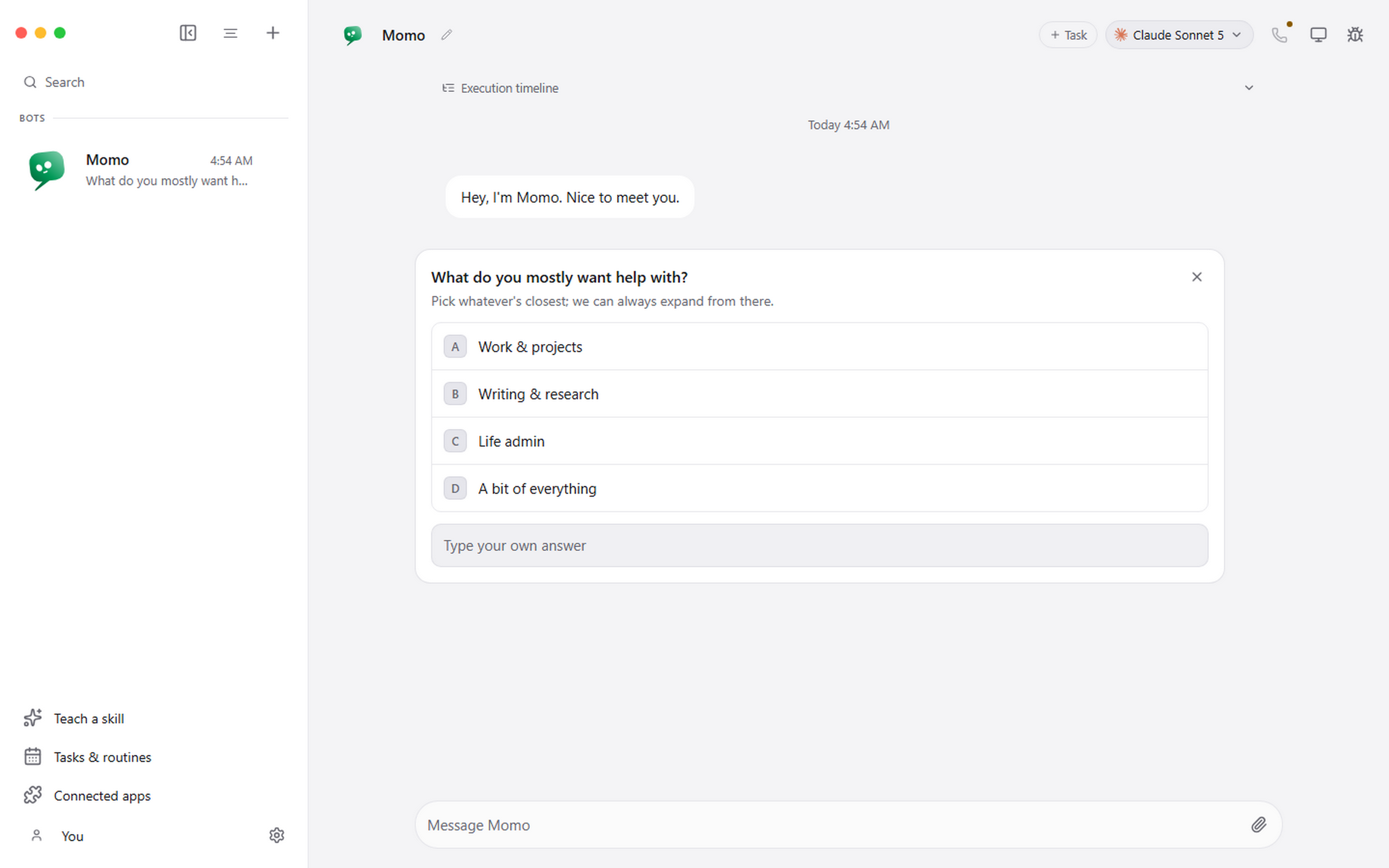
Pragma is a desktop app where every chat is a real AI agent, with its own personality, its own model and its own computer. The alpha is small and personal: Kyle reads every application and lets people in himself. Testers use Pragma for real work and tell us what breaks.
What you get
It sits next to your name everywhere in the community, so everybody knows you were here first.
Live chat rooms, plus a private board, for the testers and the team. Nobody else can see them.
Message any other tester one to one, screenshots included, to compare notes and trade setups.
The people building Pragma read every bug and request you post, and they decide what ships next.
What we ask
Questions
No. The alpha is free. You sign in with your email, and there is no card.
A Windows PC, or a Mac on macOS 12 or later. Pragma runs on the AI command-line tools already on your machine, or on a model it runs on your own graphics card.
You get an email saying you are on the list. Kyle reads every application himself, and a place is not guaranteed: the alpha is mostly people he knows. If you are in, you get an email with your Alpha badge and the Pragma Beta download. If it is not this round, you hear that too.
Yes. Anybody signed in can read the community and post bugs, requests and ideas, which matter just as much. The chat rooms, the lounge and private messages are for testers.
Only you and the person you are talking to. The team sees a private message only if one of you reports it, and then only that message. The privacy policy has the details.