Start here
A tour of the window
Six parts of the interface, and what each one is for.
The sidebar
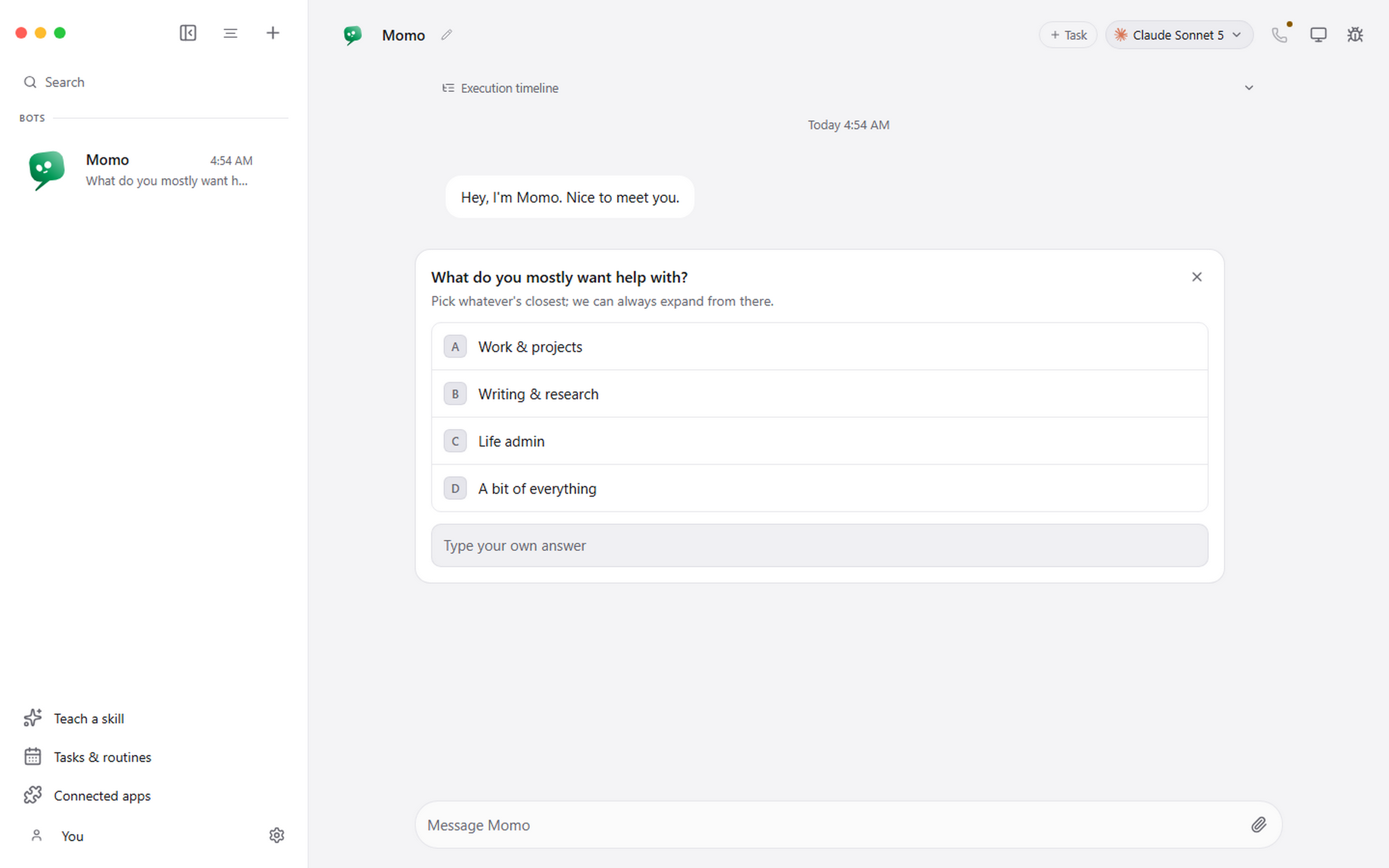
Your agents, in the order you arrange them. Search at the top looks through both agent names and message history, so an error string or an issue number finds the conversation it appeared in.
Below the roster: Teach a skill, Tasks and routines, Connected apps, and your profile with app settings.
The conversation
The work log. Replies, questions, approval requests, tool progress, attachments and failures all stay in the conversation that produced them, in order.
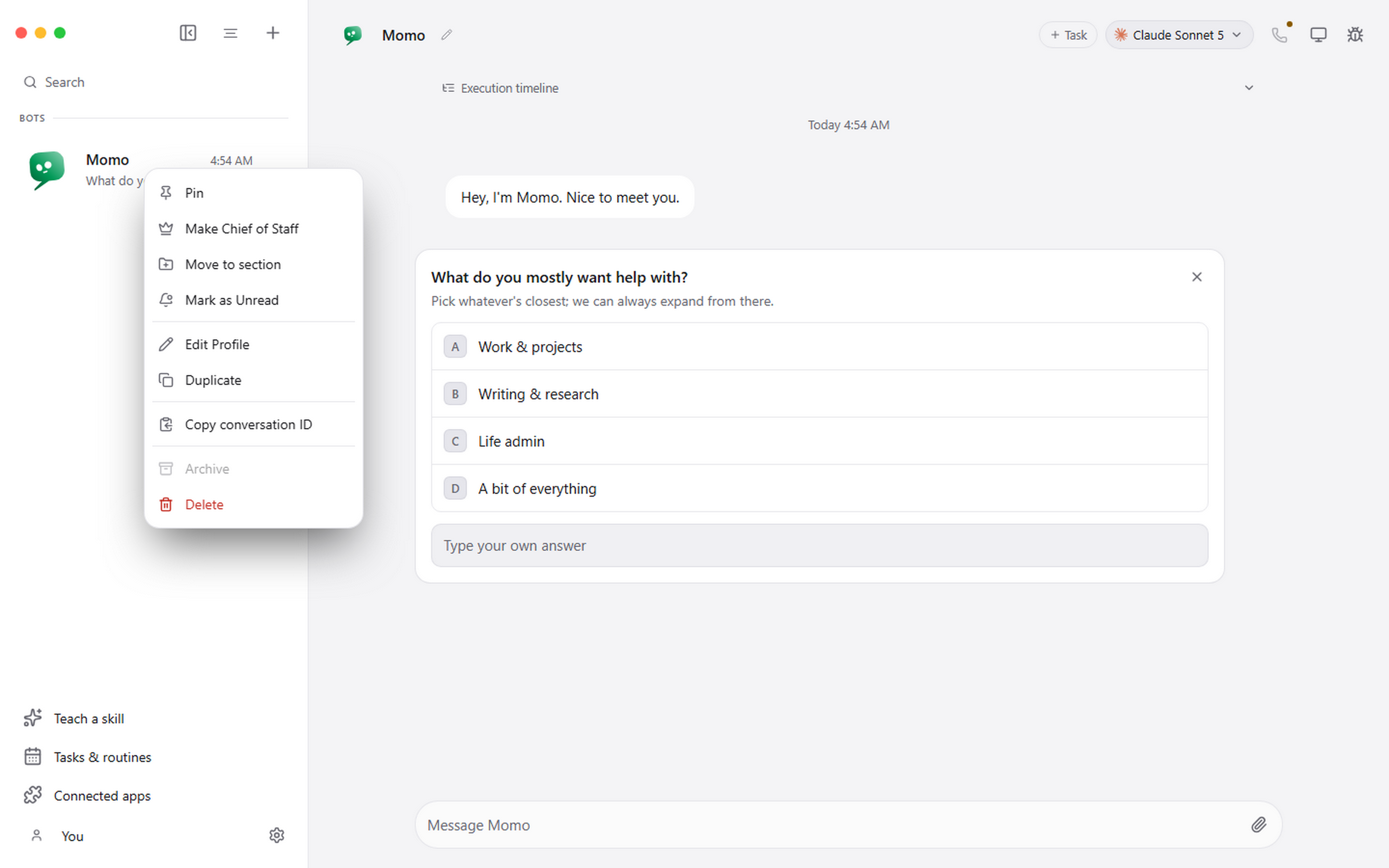
Messages can be pinned, copied, reacted to, retried and read aloud. Editing an earlier message starts a new branch rather than rewriting history, and Pragma deliberately does not resume the old provider session afterwards, so the next turn follows the branch you can see rather than one you cannot.
Tasks
The Task button starts a separate unit of work without disturbing the main conversation. A task has its own transcript, its own provider session, its own approvals and its own cost.
Use one when the work has a clear beginning and a result you want to point at later. Scheduled runs create tasks on their own.
The model picker
Top of the conversation. It groups engines by provider, marks which are installed and signed in on this machine, and lets each agent use something different.
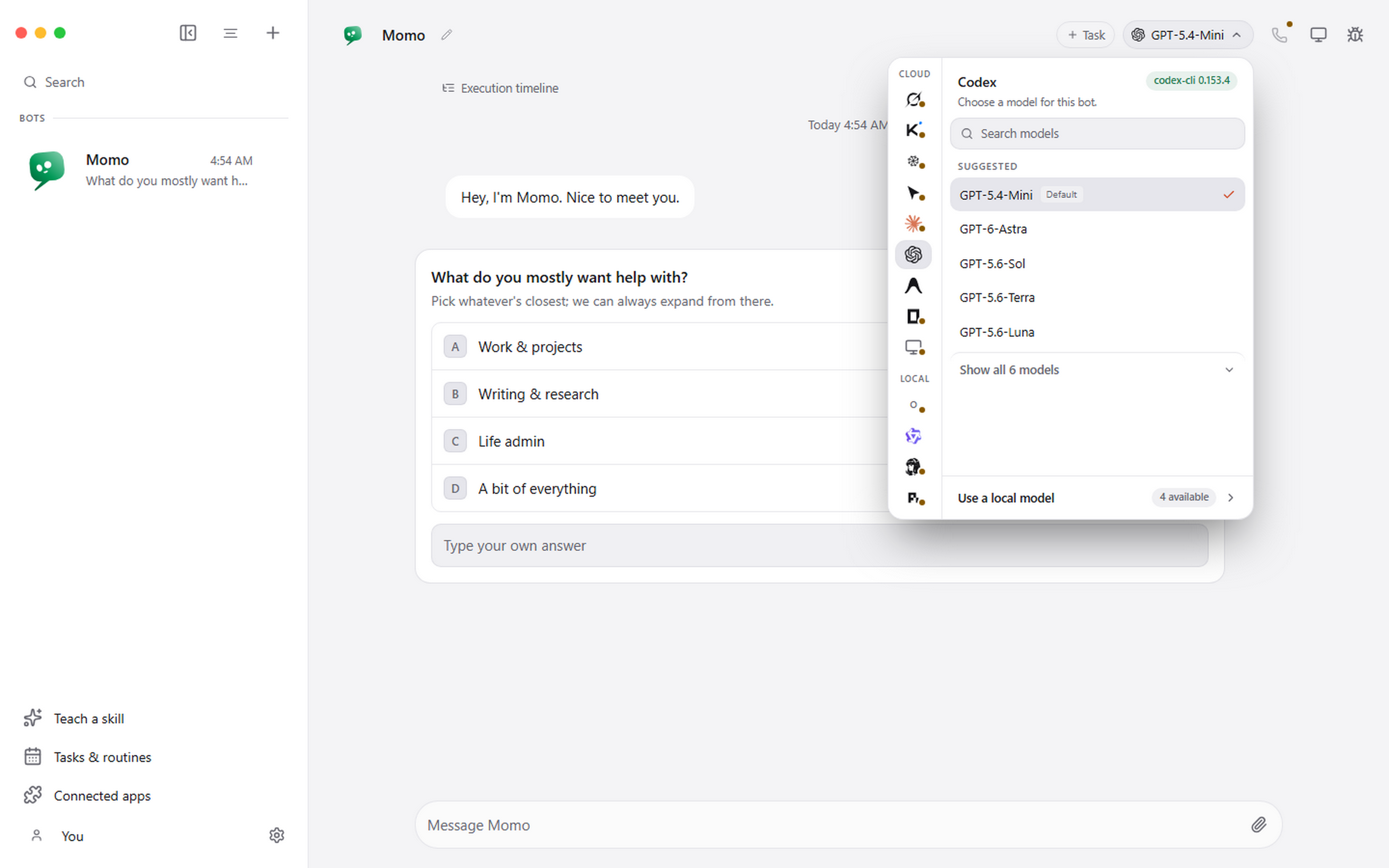
Changing the model affects the next turn. It does not rewrite what has already been said. The Effort row under the models sets how hard the chosen model thinks, where the model allows it.
The computer panel and the inspector
Computer decides where visual work happens: nowhere, this computer, an isolated local VM, or a hosted desktop. It is a per-agent choice and it is off by default. See Giving an agent a computer.
Inspector is for when the conversation is not enough detail: tool calls, reconnects, raw engine output, long-running work.
Connected apps and routines
Connected apps turns an authorised account into tools an agent can use; GoHighLevel is built in. Tasks and routines turns a prompt that worked into one that runs every weekday morning.
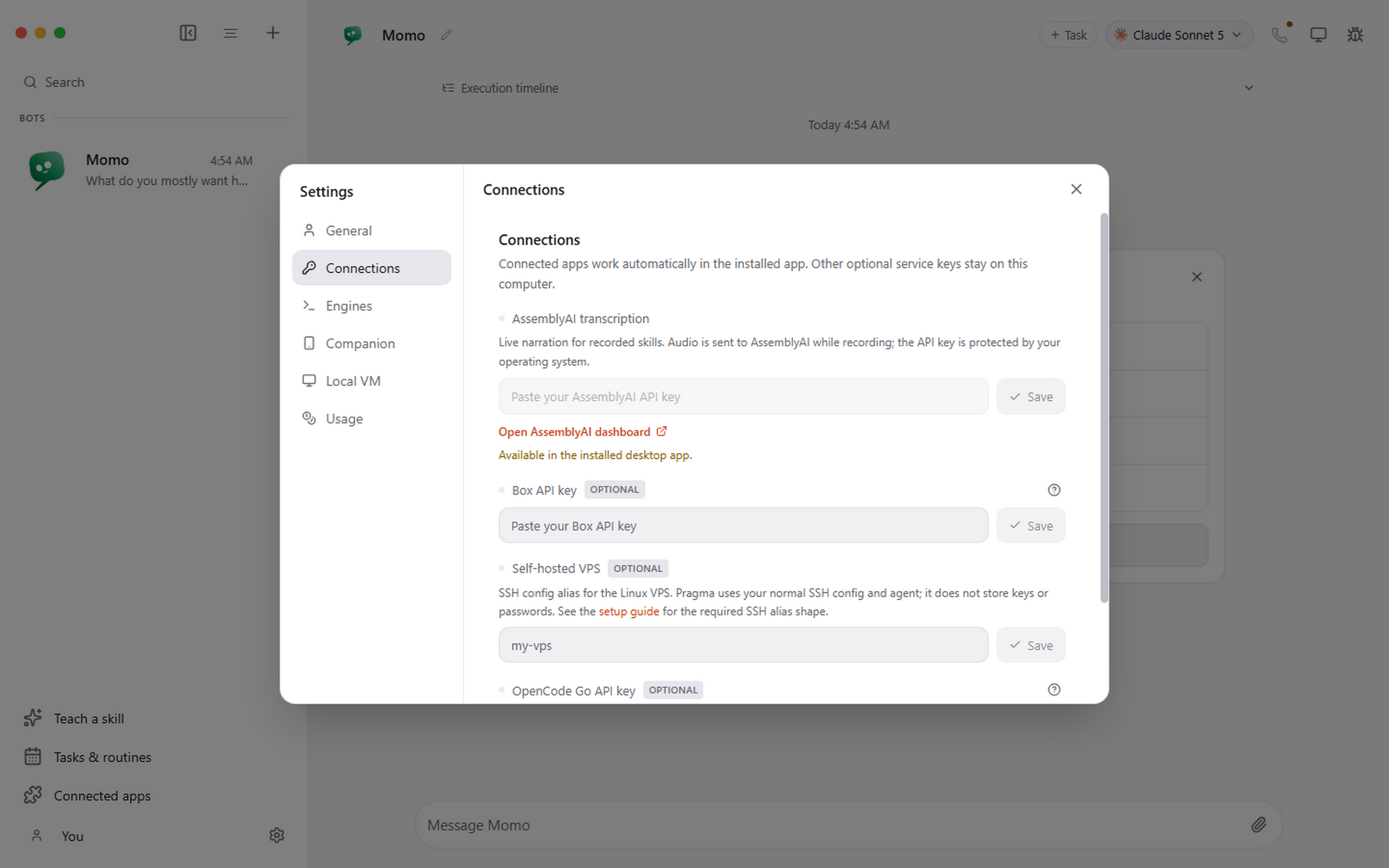
Settings
The gear by your name. Engines and their paths, API keys for optional services, appearance, and your licence.